L
Tiny footprint
Installer ≈10 MB and ~80 MB on disk. Built with Rust + Tauri for fast startup and ultra‑low idle memory.
Cross‑platform, ultra‑lightweight, with optional AI assistance. Built with Rust + Tauri for fast startup and low memory usage on macOS, Windows, and Linux.
Latest release v0.3.6, published Apr 25, 2026 (live from GitHub).
Built for daily query workflows: secure connections, fast editor ergonomics, and AI-assisted SQL.
Installer ≈10 MB and ~80 MB on disk. Built with Rust + Tauri for fast startup and ultra‑low idle memory.
No cockpit‑style complexity. We cut the 99% you never use and focus on everyday workflows for smoother, more intuitive operations.
Runs on macOS, Windows, and Linux — use the same tool everywhere.
Supports MySQL, MariaDB (MySQL-compatible), PostgreSQL, ClickHouse, TiDB, SQL Server, and SQLite (actively expanding).
Rich theme system with dark/light and high/low saturation styles for all‑day comfort.
Summarize SQL, explain schemas, and analyze slow queries. Security is under active refinement; local and optional cloud modes planned.
No login, no payments, no memberships, no ads. Download and go.
Built with modern stack
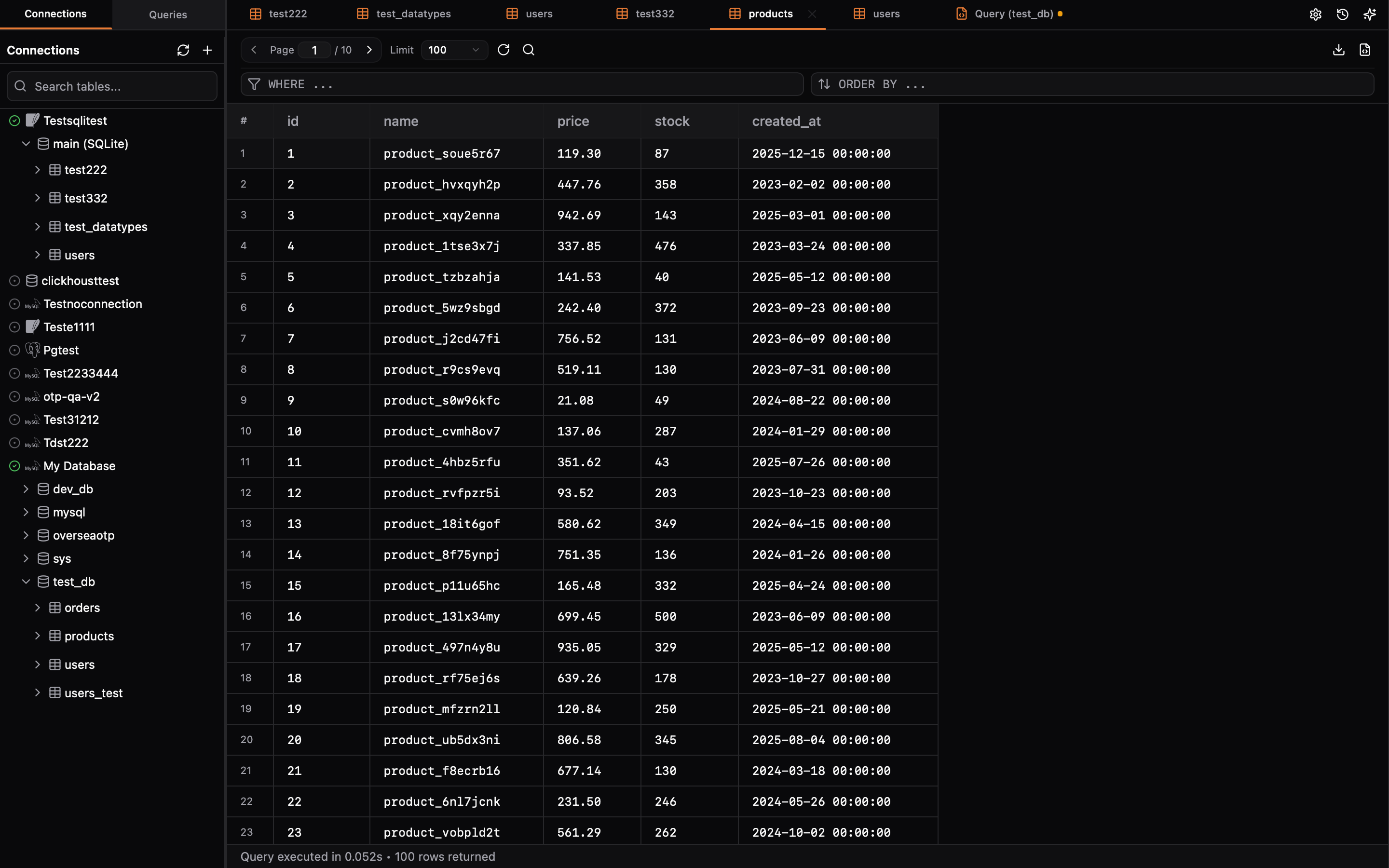
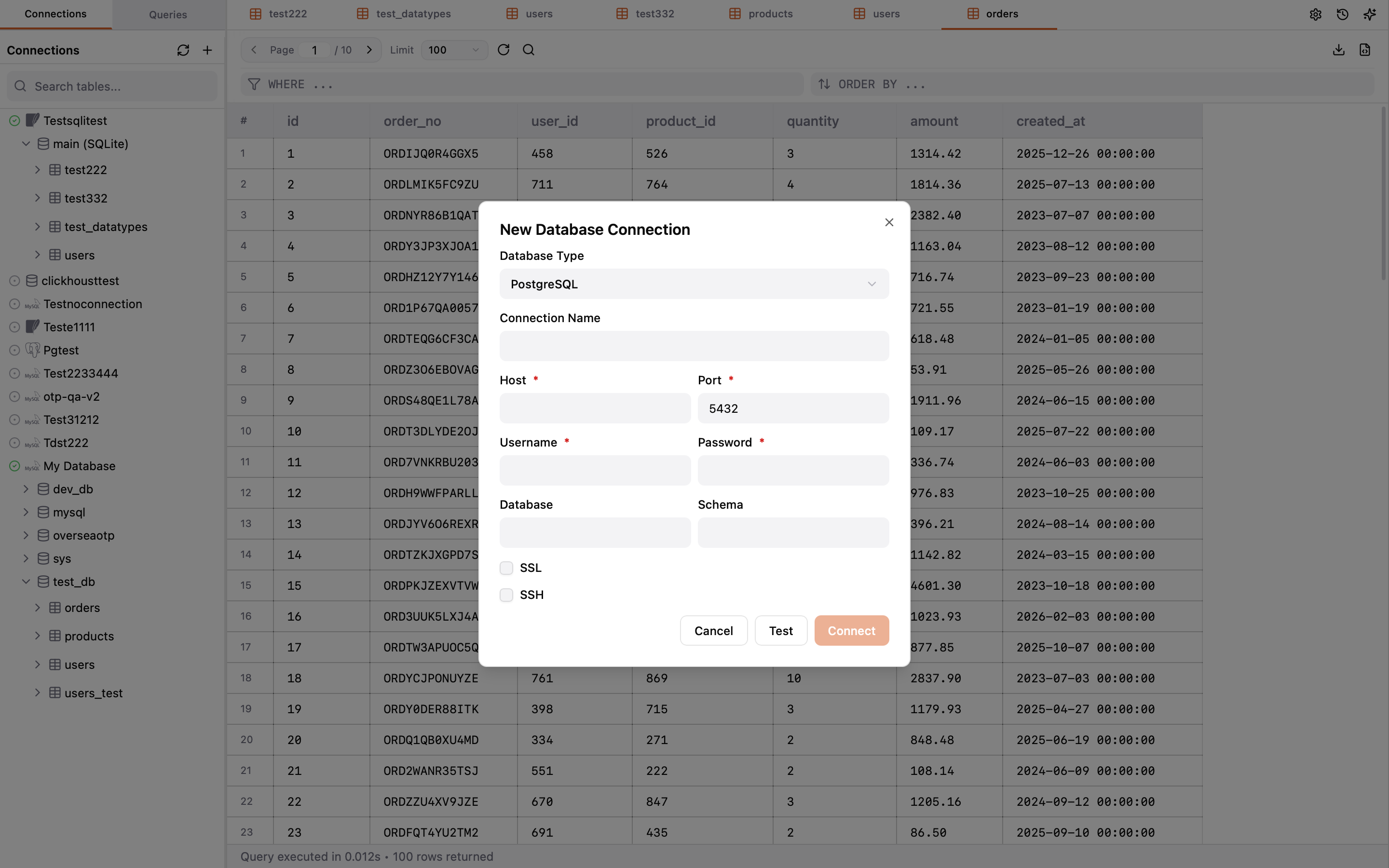
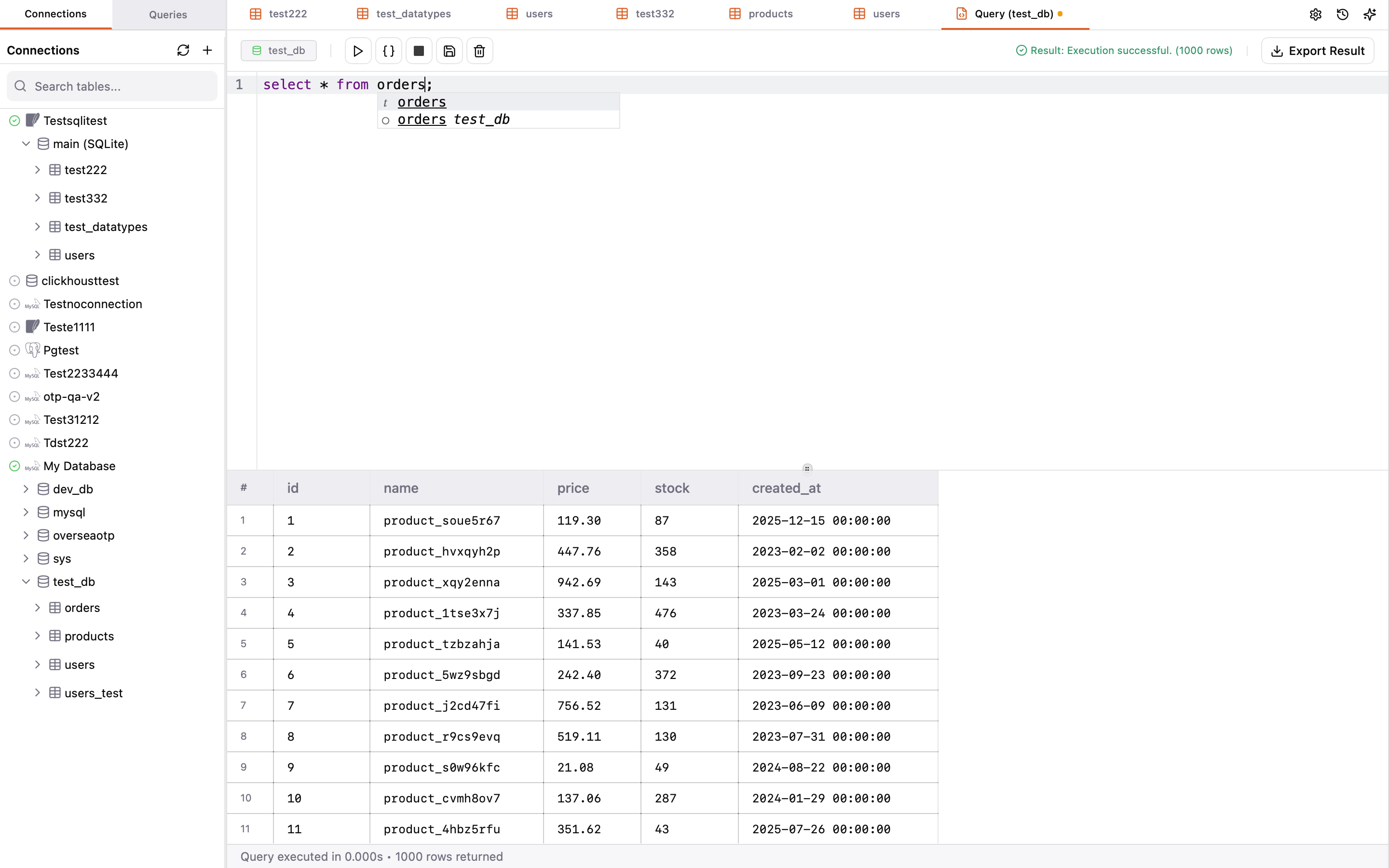
Connection setup, SQL editing, result browsing, and AI workflows.
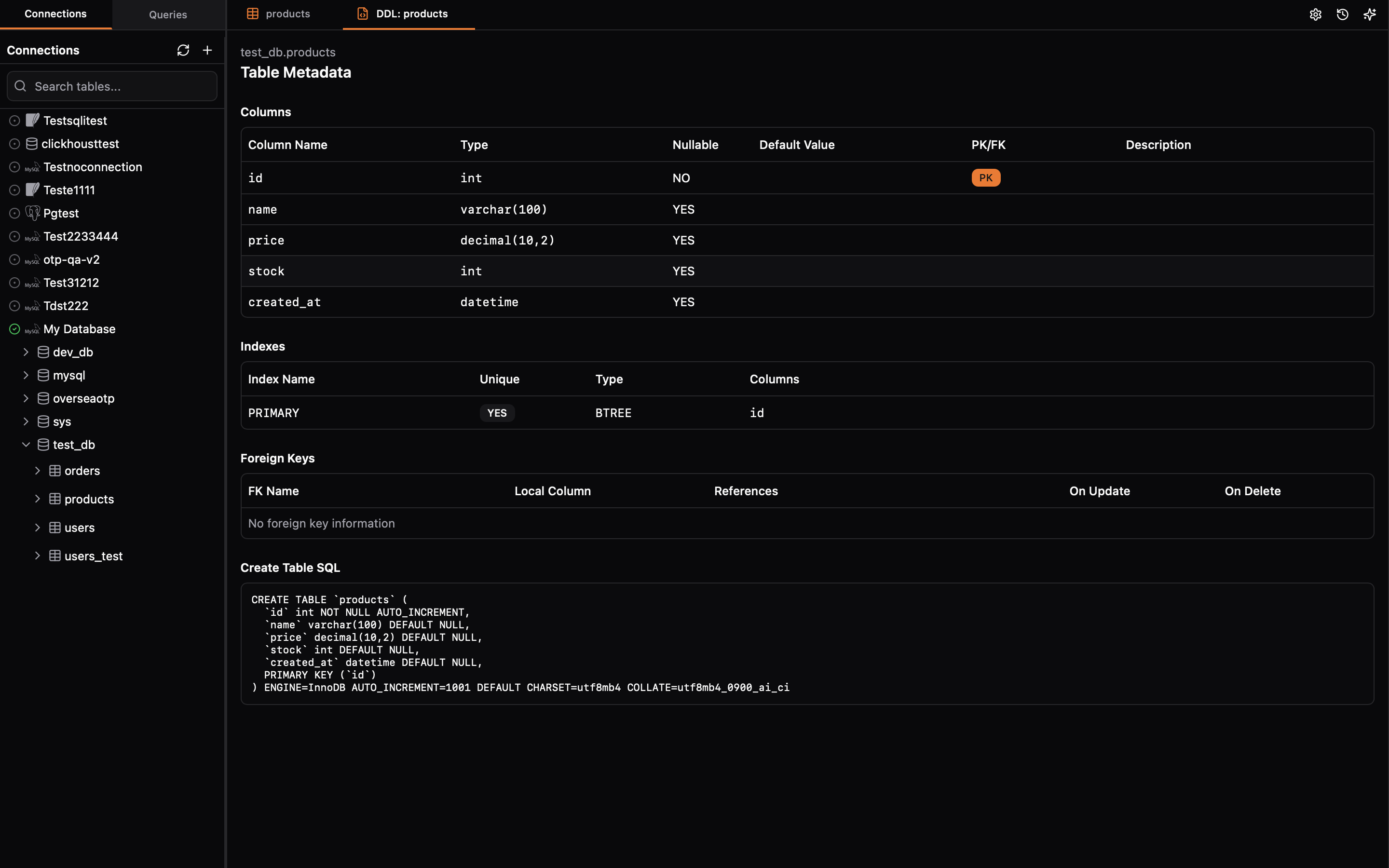
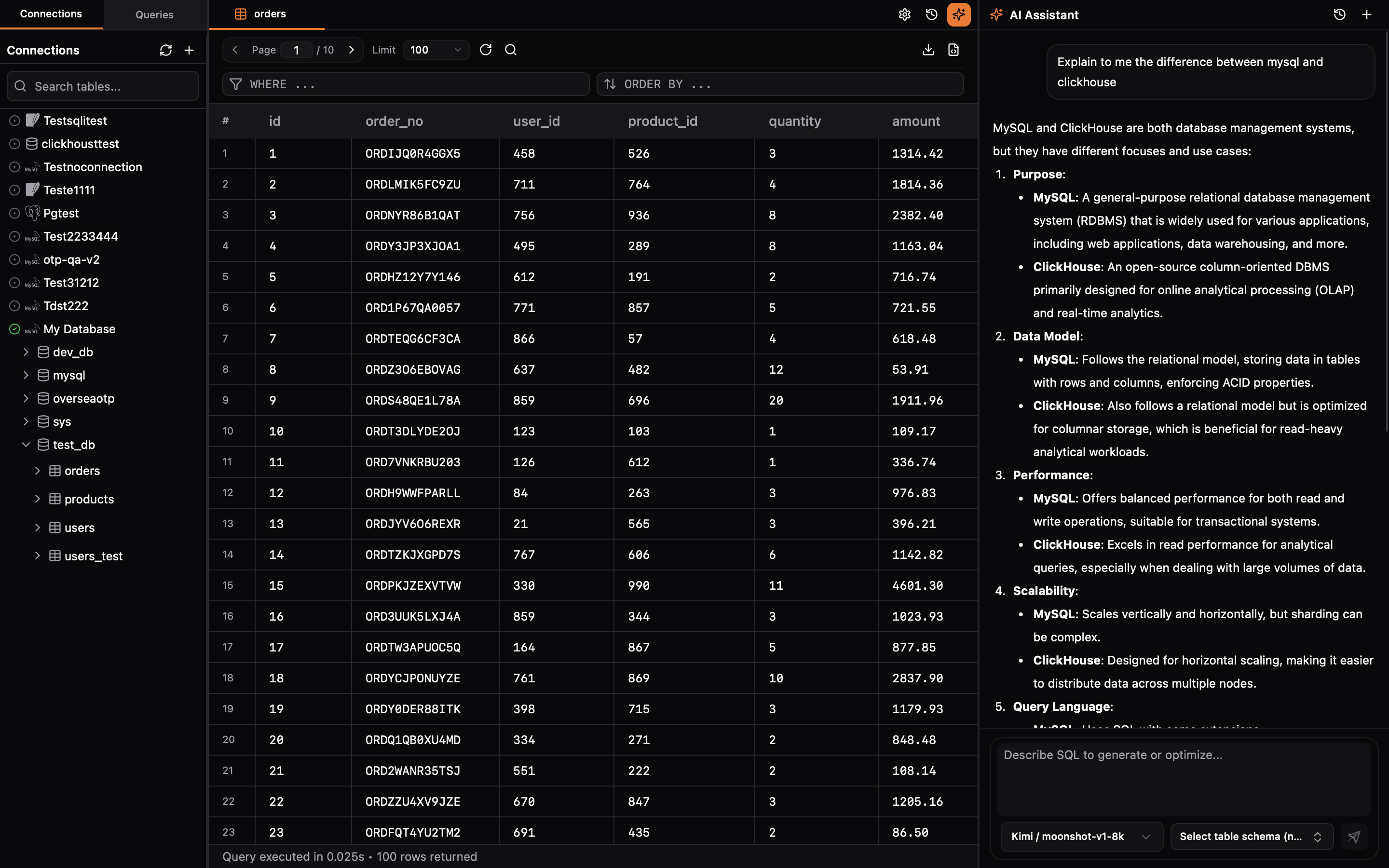
Pick your installer or open release notes for checksums and changelog details.
Download links are generated from the latest GitHub release automatically.
Answers for setup, compatibility, and release workflow.
DbPaw currently supports PostgreSQL, MySQL, MariaDB (MySQL-compatible), TiDB (MySQL-compatible), SQLite, SQL Server, and ClickHouse (Preview, Read-only), with more drivers planned in future updates.
Yes. DbPaw supports SSH tunneling so you can connect securely to remote database instances.
You can use the AI sidebar to generate SQL, explain queries, and optimize statements based on your intent.
Yes. DbPaw is released under the MIT License on GitHub.
Move DbPaw.app to /Applications and remove quarantine attributes using the command shown on the download page.